
There’s no doubt that journaling is a wholesome practice that we should all integrate into our lives. If you struggle with mental health issues, feel overwhelmed, or simply want a sense of clarity and a deeper way to connect with yourself, then journaling is definitely worth trying.
There are different forms of journaling—bullet journaling, guided journaling, and more—but you don’t have to complicate it. Journaling can be kept simple and used purely as a form of self-care, self-reflection, and a way to connect more deeply with yourself.
I’ve been journaling for as long as I can remember. Writing was the way I reclaimed my voice as a child growing up in poverty and abuse, where speaking out often meant punishment or rejection. For me, writing became the safe space where I could let my thoughts out and process them. I turned to stories; I turned to poetry; and even today, I turn to journaling to process my strongest emotions—especially the negative ones.
Over the years, I’ve used many different tools for journaling. I’ve written in regular notebooks, fancy ones, prompt journals, and even dedicated journals designed specifically for journaling. I’ve also tried both physical and digital journals.
There are many apps you can use for journaling. You could use Google Keep, the default Notes app on your phone, Samsung Notes if you’re on Android, or even Google Docs. The truth is, anything you can use to capture your thoughts can be used as a journal.
My personal favourite, however, is the Daybook app. Here’s why I love it and why I recommend it to anyone who wants to start journaling:
1. Multi-Device Compatibility
The app works across multiple devices. Once you create an account, you can seamlessly move from one device to another. As long as your notes are saved, they’ll be accessible everywhere—no complicated steps, just open the app and your entries are there.
2. Desktop Access
Sometimes journaling on a phone feels inconvenient. Personally, when I’m at my desk working, I don’t always want to use my phone—it can be distracting. I love that I can open Daybook on my desktop or use the browser version to quickly capture a thought, idea, or emotion. Typing on a computer can also be faster and more comfortable, which makes journaling easier.
3. On-the-Go Convenience
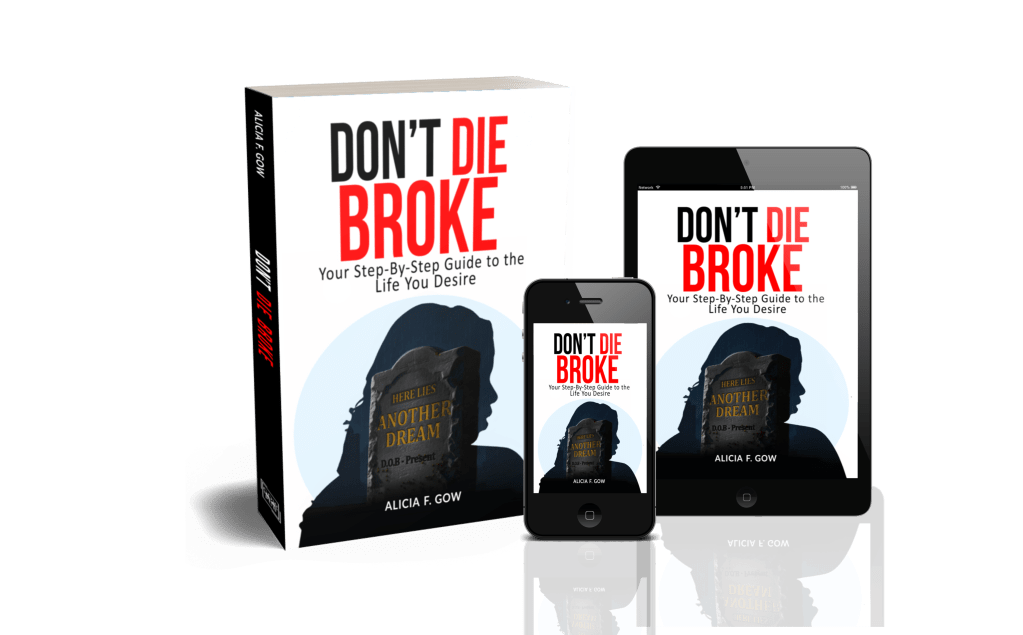
Having the app on my phone means I always have my journal in my pocket. Whether I’m waiting in line, stuck in traffic, or on a morning walk, I can capture my thoughts immediately. Many of my blog articles—and even parts of my book Don’t Die Broke—were first drafted in Daybook while I was out walking. It’s the perfect way to catch ideas before they slip away.
4. Completely Free Core Features
Daybook is free to use, and the core features are not locked behind a paywall. Yes, there is a premium version with extra features like journaling prompts, themes, formatting tools, and tags—but the essential features that make journaling effective (note-taking, organization, calendar view, etc.) are all free. I love this because so many apps immediately push you to pay after sign-up, which can feel frustrating—especially when all you want to do is process your emotions. Daybook doesn’t do that.
5. The Throwback Feature (My Favorite!)
This is, hands down, my favorite feature. The Throwback feature gives you a notification of what you wrote exactly one year ago on that day. For example, if it’s August 31, you’ll get to revisit your entry from August 31 of the previous year.
Why do I love this? Because sometimes I’m in a funk—maybe it’s PMS, maybe it’s just a bad day—and then I get a Daybook notification. I open it and read something positive I wrote a year ago: something I was grateful for, a moment I cherished, or an accomplishment I’d forgotten. It grounds me and reminds me of all the good in my life.
Our brains are wired to focus on negativity because they’re wired to solve problems. We don’t always remember the positives in the moment. This feature helps me break that cycle, pulling me back into gratitude and giving me the perspective I need to process my emotions in a healthier way.
I highly recommend Daybook for journaling, but especially for gratitude journaling. If you commit to writing down just three things you’re grateful for every day, after a year, the Throwback notifications will give you a powerful snowball of positivity that builds momentum in your life.
Of course, this doesn’t mean you won’t have bad days—life is full of ups and downs. But journaling with Daybook gives you an extra tool in your arsenal to stay grounded, channel positivity, and face challenges with more resilience.
Final words…
This post isn’t sponsored—I’m simply sharing my genuine love for this app. If you know of other journaling apps with similar features, I’d love to hear about them in the comments. And if you decide to give Daybook a try, let me know what you think—I’d love to hear your thoughts.
As always, thanks for reading!
-Lis










Leave a comment